Settings
You can display the version information of the SNMP Plug-in, and back up and restore the settings.
NoteThis page is only accessible by Administrator accounts.
NoteOnly the restoration of backup files obtained using the SNMP plugin (VST-APL version) is supported.
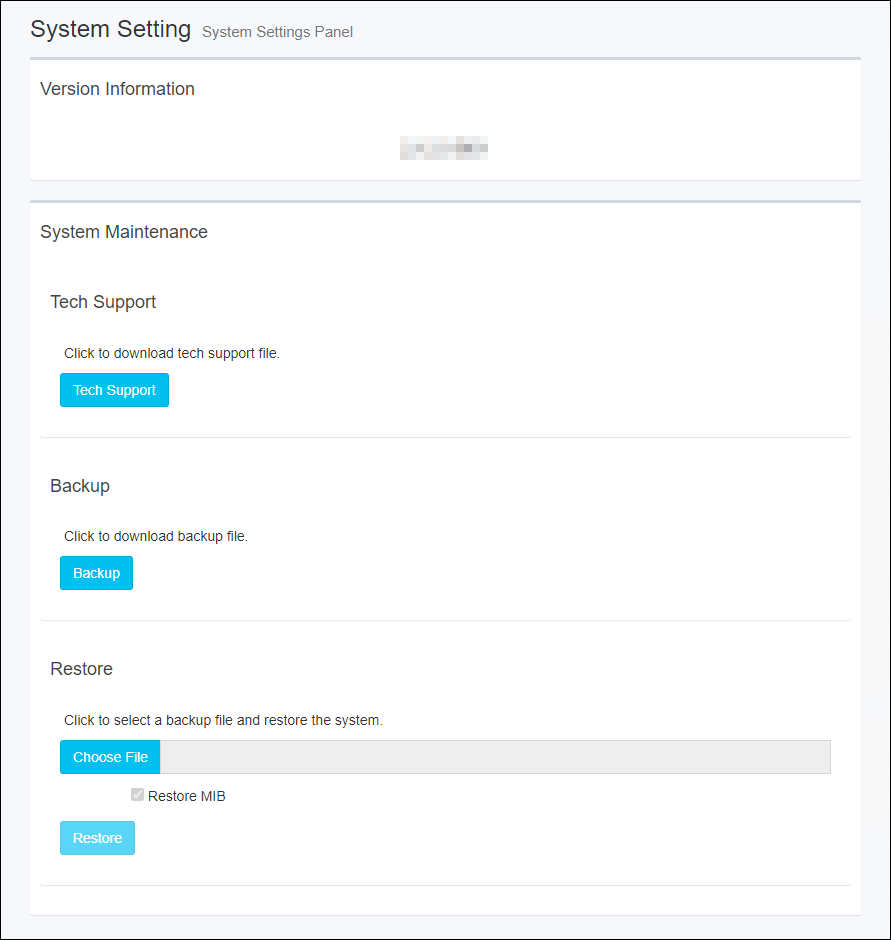
Version Information
Displays the version information (version, build number) of SNMP Plug-in.
System Maintenance
You can back up and restore your settings.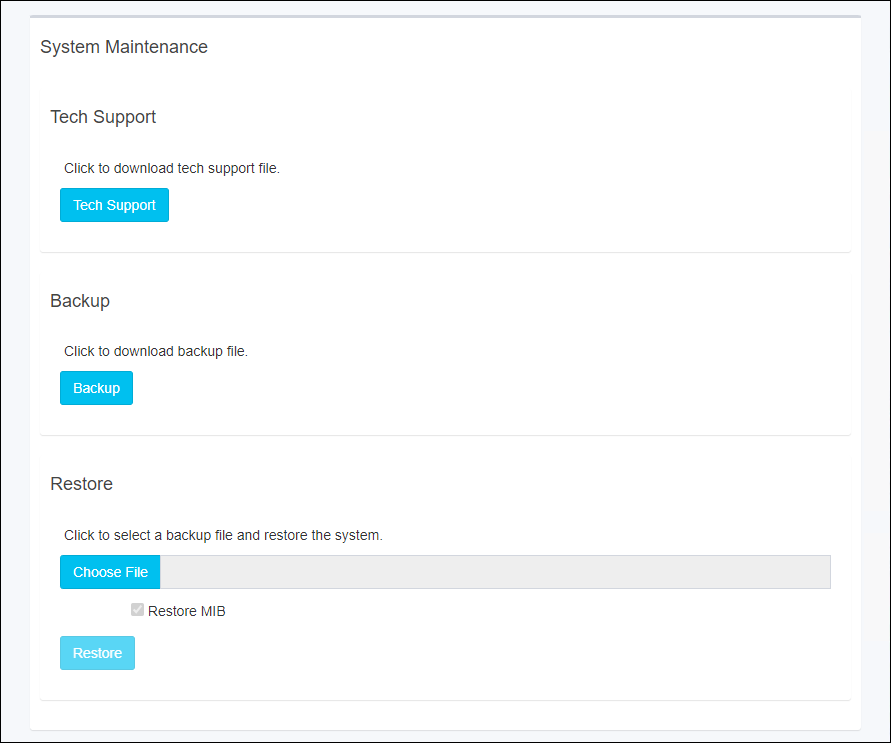
| Item Name | Description |
|---|---|
| Technical Support | |
| "Tech Support" button | The file for technical support is output. This is intended for cases where it is necessary to check internal information, such as when troubleshooting, so please contact us before using it. |
| Backup | |
| "Backup" button | Save the current settings as a backup file to an external file. |
| Restore | |
| "Restore" button | Restore the settings from a backup file saved as an external file.
|
22 Dec 2025 11:35